Best AI Photo Editing Tools in 2026: Edit Like a Pro
AI photo editing has made professional-quality edits accessible to everyone. From background removal to smart retouching, these tools do it all.
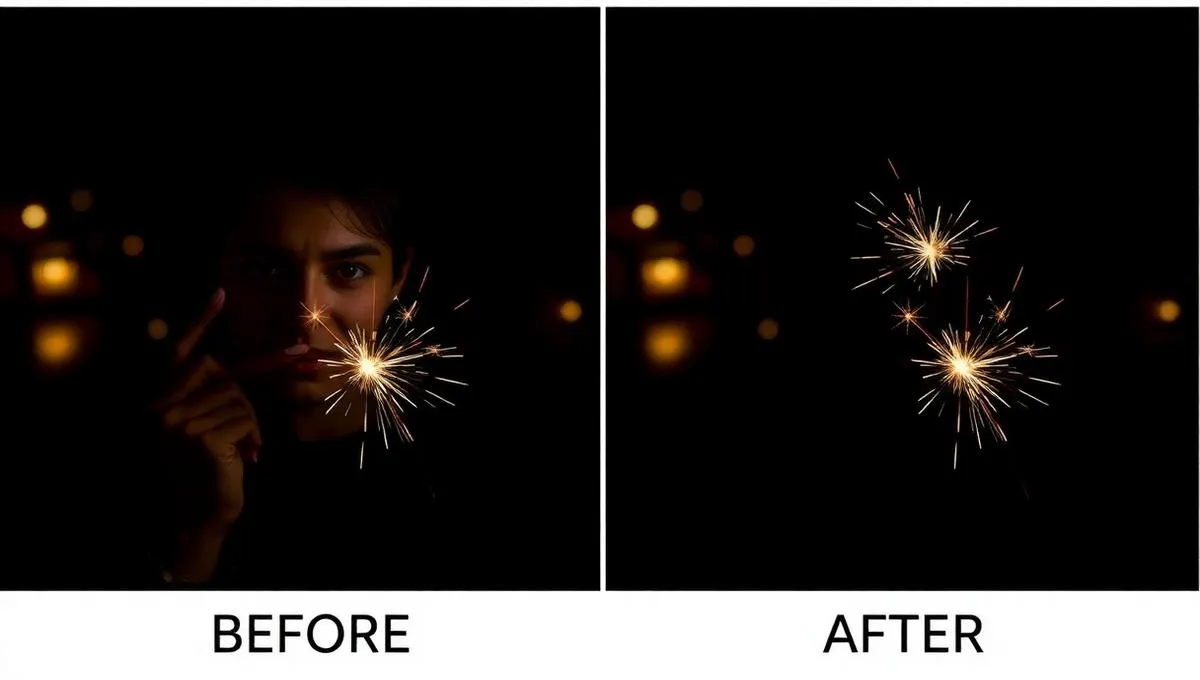
AI photo editing has made professional-quality edits accessible to everyone. From removing backgrounds to enhancing resolution, these tools do it all in seconds.
Best AI Photo Editing Features
1. Background Removal
Remove backgrounds instantly with KreArt's Image Tools. Perfect for product photos and profile pictures.
2. Image Upscaling
Enhance resolution up to 4x without losing quality. Turn low-res images into print-ready files.
3. Face Swap
Swap faces in photos with AI precision. Great for fun content and creative projects.
4. Photo Restoration
Restore old, damaged photos to their former glory with AI-powered restoration.
5. AI Photo Effects
KreArt's Photo Effects offer artistic transformations: watercolor, oil painting, pencil sketch, and more.
6. Style Transfer
Apply the style of one image to another using image-to-image transformation.
Why KreArt Is the Best AI Photo Editor
KreArt.io combines all these tools in one platform:
- ✅ Complete image toolkit
- ✅ 400+ photo effects
- ✅ AI style transfer
- ✅ 30+ AI models for generation
- ✅ Free to start
Try KreArt AI for Free
Generate stunning images and videos with 30+ AI models. No credit card required.
Start Creating Free →